
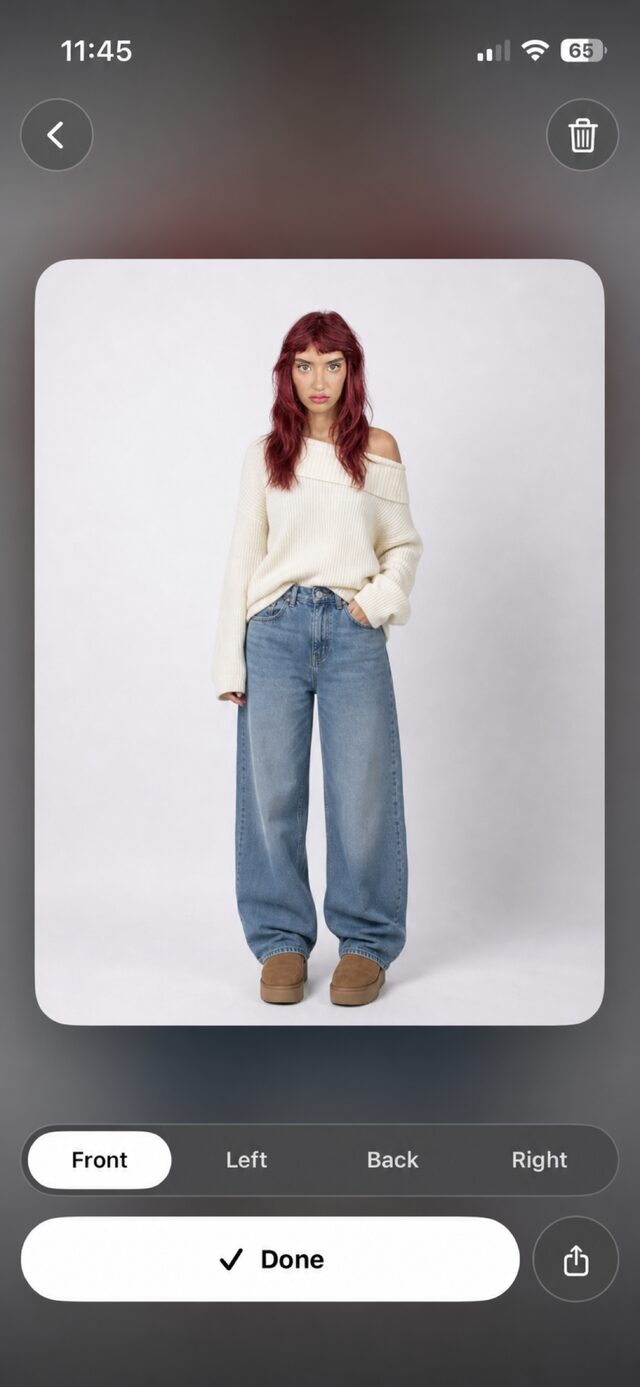
Preview from multiple angles
Front, side and back previews let you explore an outfit from several angles, much like looking in a mirror.
Every gender. Every style.
Discover new combinations and preview outfits on your own photos with AI, before you decide what to buy.
For iPhone · iOS 17 or later
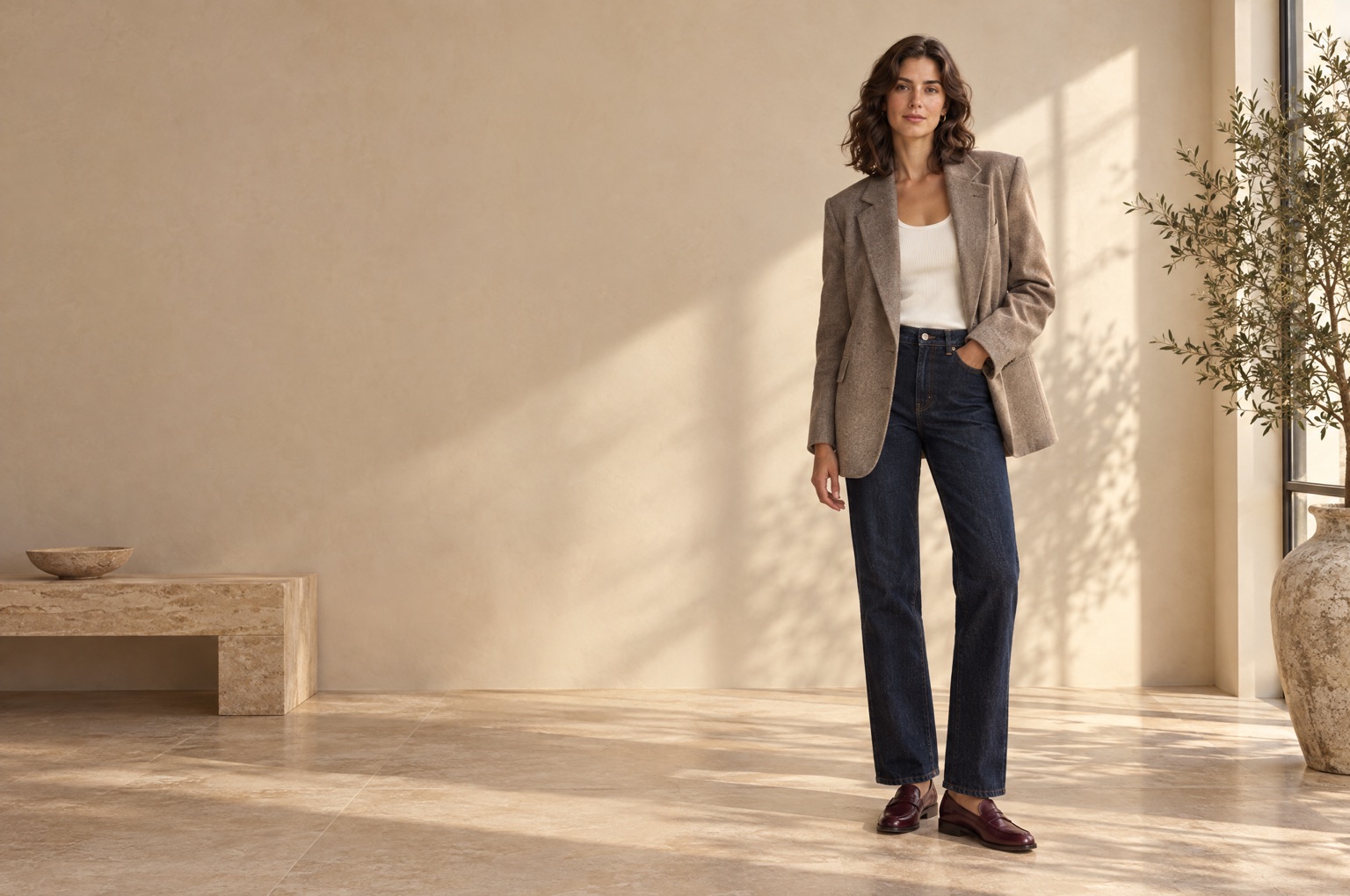
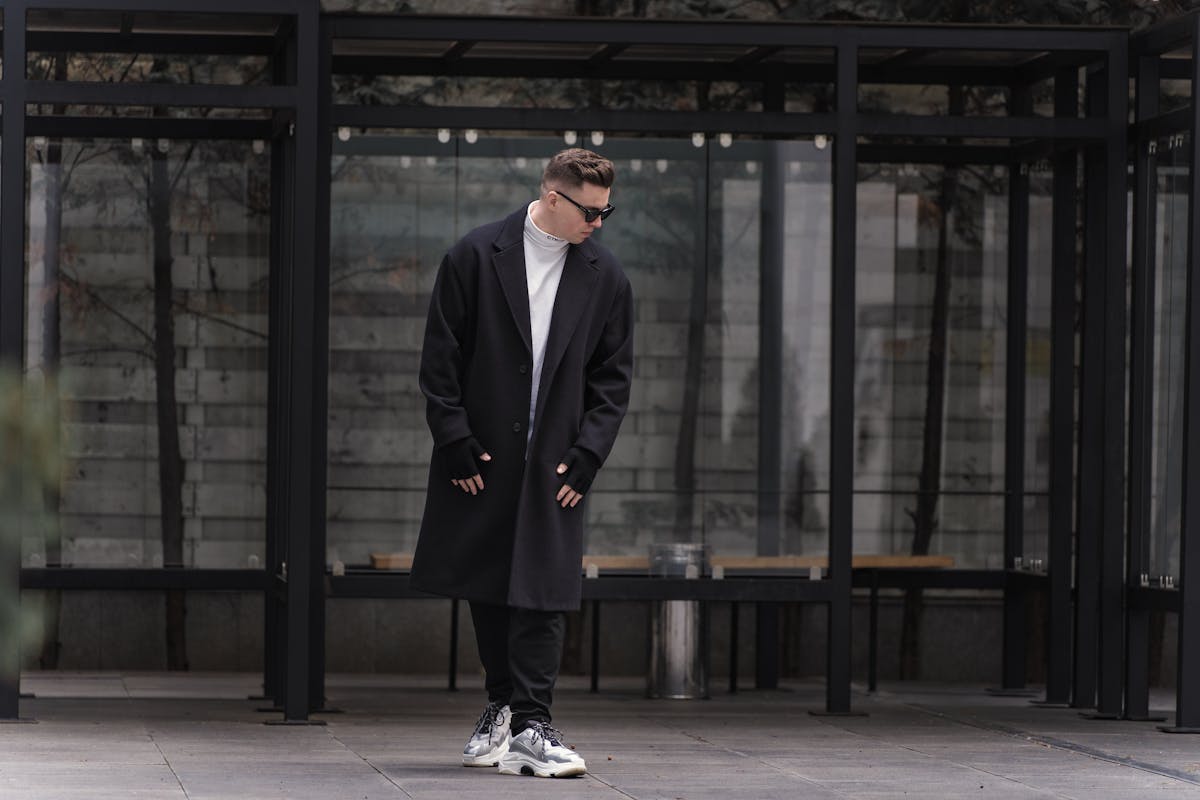
How it works
Add reference photos of your body using the guided capture. A selfie can provide a face reference and personal colour analysis; follow the checks shown in the app.
Snap a piece you like, pick a picture from your library, or paste a product link from a supported online store. Everything lands in your digital closet.
Put an outfit together, preview it on yourself from several angles and save it to your looks, or share it with friends before you decide.
Inside the app
Real screens from the app. These examples are shown in English.
Front, side and back previews let you explore an outfit from several angles, much like looking in a mirror.
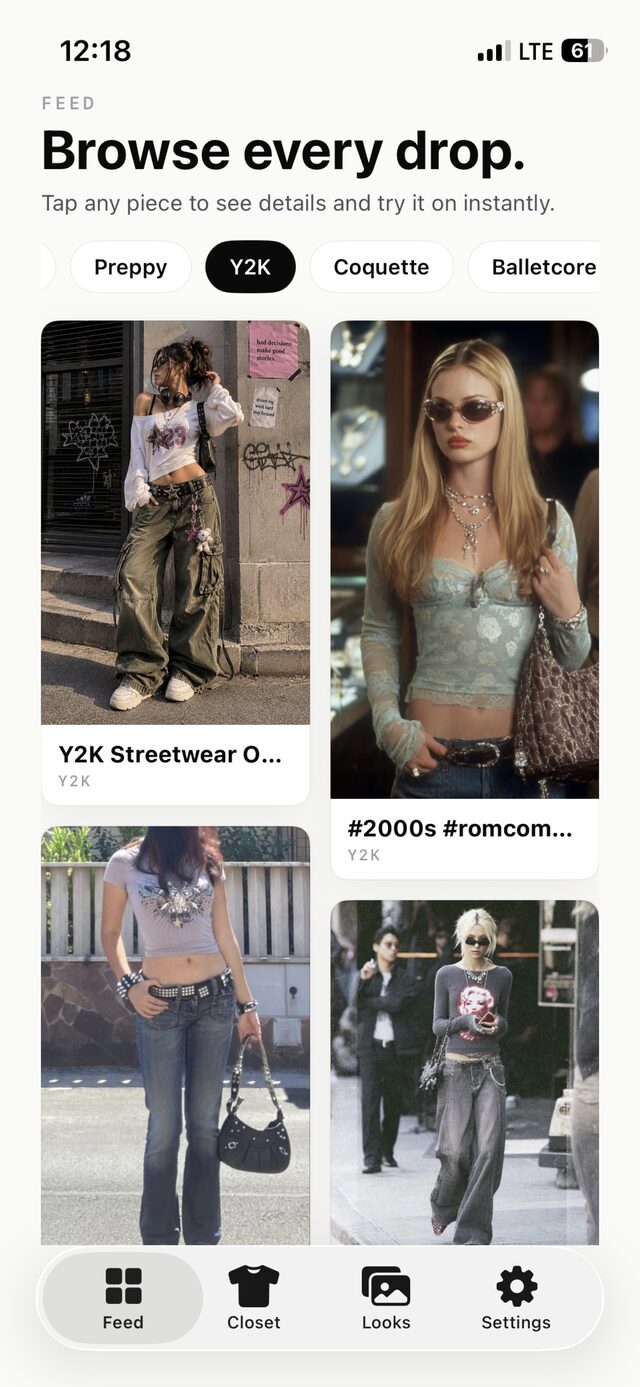
From menswear and womenswear to pieces for anyone: explore styles and save inspiration for your next try-on.
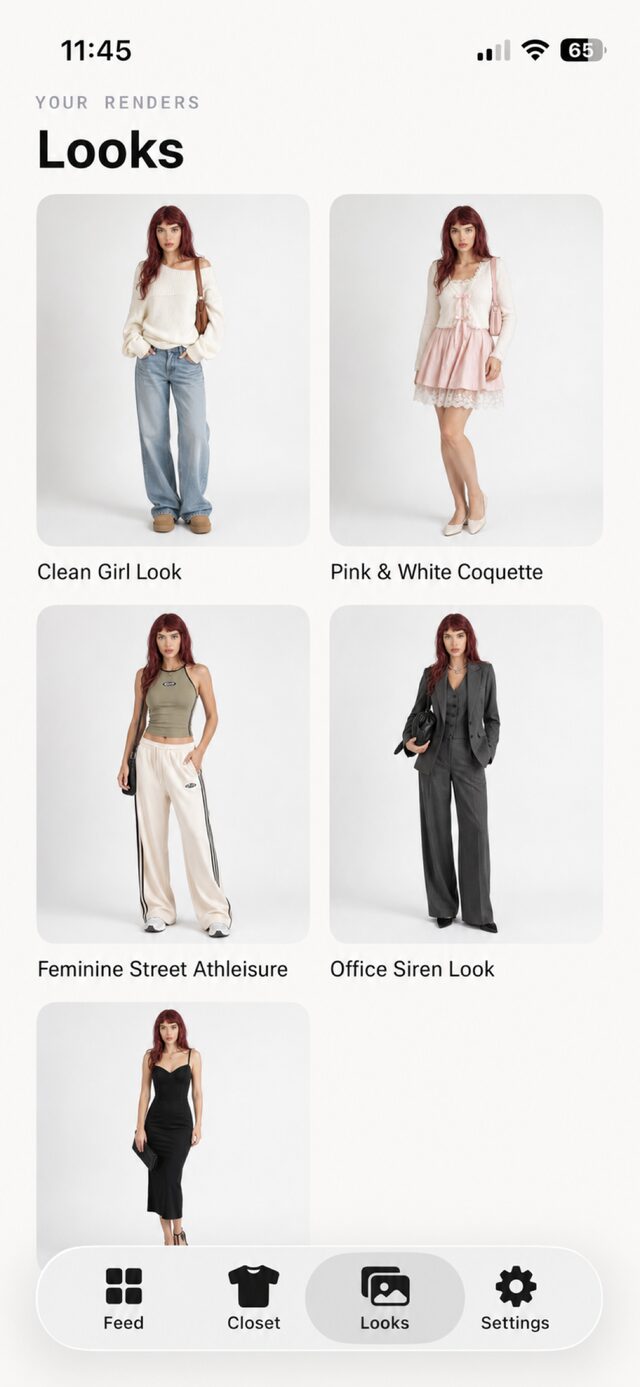
Saved looks stay in your gallery, ready to compare, share or turn into your next purchase.
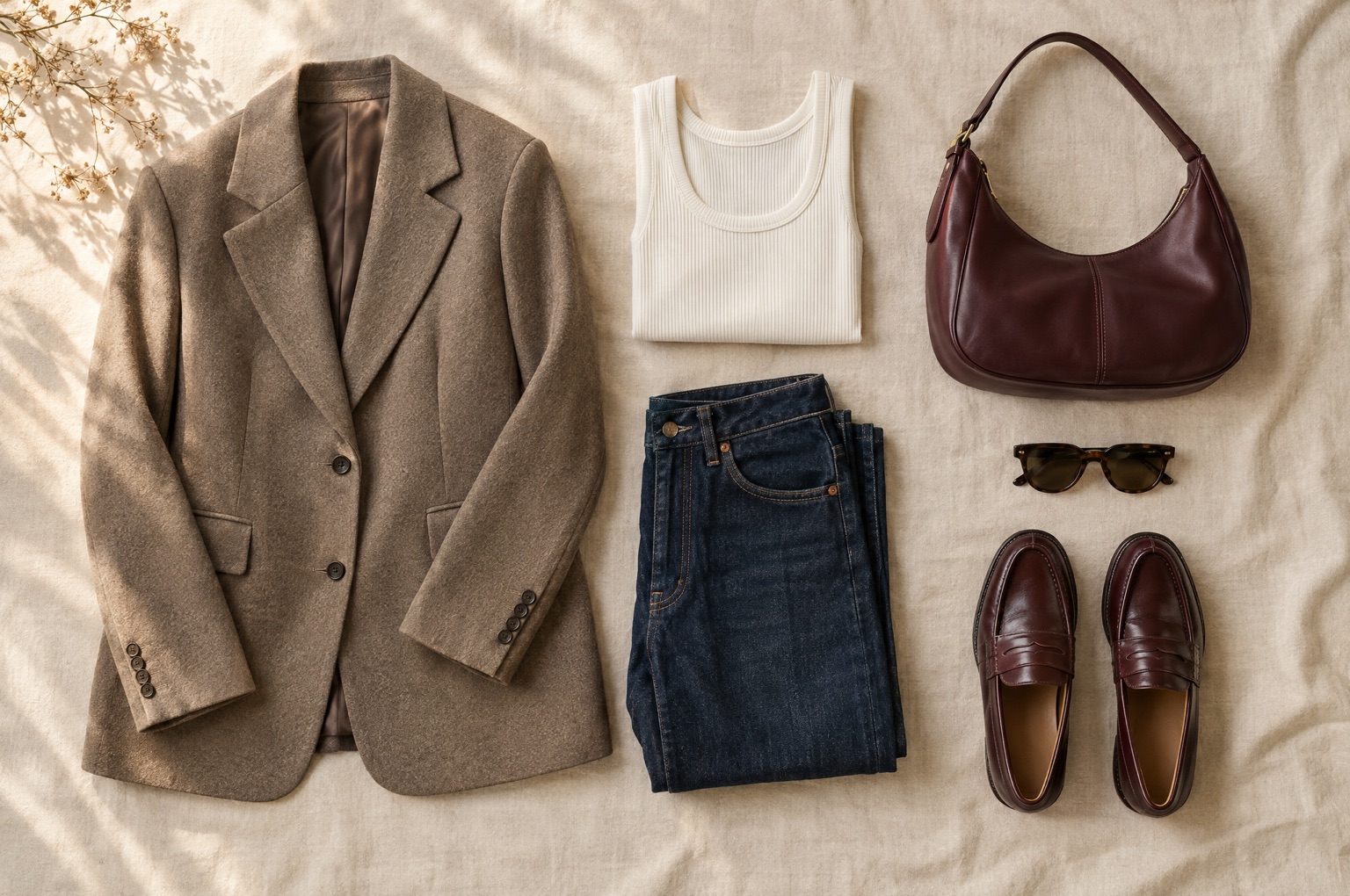
Your closet
Explore TryOnHaul
Understand virtual try-on, your reference photos and what a visual preview can tell you.
Keep clothing photos together and bring your own pieces into your next outfit.
Combine pieces, preview the whole look and return to saved outfit ideas.
See how selfie-based colour analysis can support clothing choices.
Choose an app by the workflow, photo needs and purchase details that matter to you.
FAQ
The app uses AI to combine your reference photos and the chosen garment into a realistic preview. Processing happens on our servers, and the result is saved to your looks gallery.
The app guides you through body reference photos from the front, left, back and right. Follow its photo-quality checks for your profile. A selfie can provide a face reference and personal colour analysis.
Try On Haul is available for iPhone running iOS 17 or later. You can download it from the App Store.
Your photos are used to create previews and are processed with AI services in the background. You decide what you share. You can delete your account and its data at any time from the app settings. Details are in the privacy policy.
No. Previews are visual inspiration for style and combinations. They are not a measurement and do not guarantee size or fit. Always check the retailer’s size guide before you buy.
Current plans, allowances and prices are shown inside the app.
Download Try On Haul and see what your next outfit looks like, on you.
Download on the App StoreFor iPhone · iOS 17 or later
