
Digital wardrobe
Bring your wardrobe into view.
A digital wardrobe keeps images of your clothes in one place. In TryOnHaul, those pieces become the starting point for combinations you can preview on yourself and save for later.
Download on the App StoreFor iPhone · iOS 17 or later
Add the pieces you want to use
Photograph a clothing piece or select an existing image from your photo library. Supported product-import options let you add clothing you are considering alongside pieces you already own.
A clear image makes the item easier to recognise when you return to your wardrobe. Begin with a few pieces you wear often, then add the items you want to combine with them.
Connect clothes to outfit ideas
An isolated product photo can be hard to place in an outfit. Select pieces from your digital wardrobe to compose a look, then explore an AI preview using your body-photo reference.
Try a familiar top with different trousers or see how an outer layer changes the combination. The purpose is to make the pieces you have available easier to work with when you plan a look.
Keep the pieces and the looks together
Clothing images live in the digital wardrobe; completed outfit previews can be saved in the Looks gallery. Return to a saved idea when you want to compare combinations or share a look.
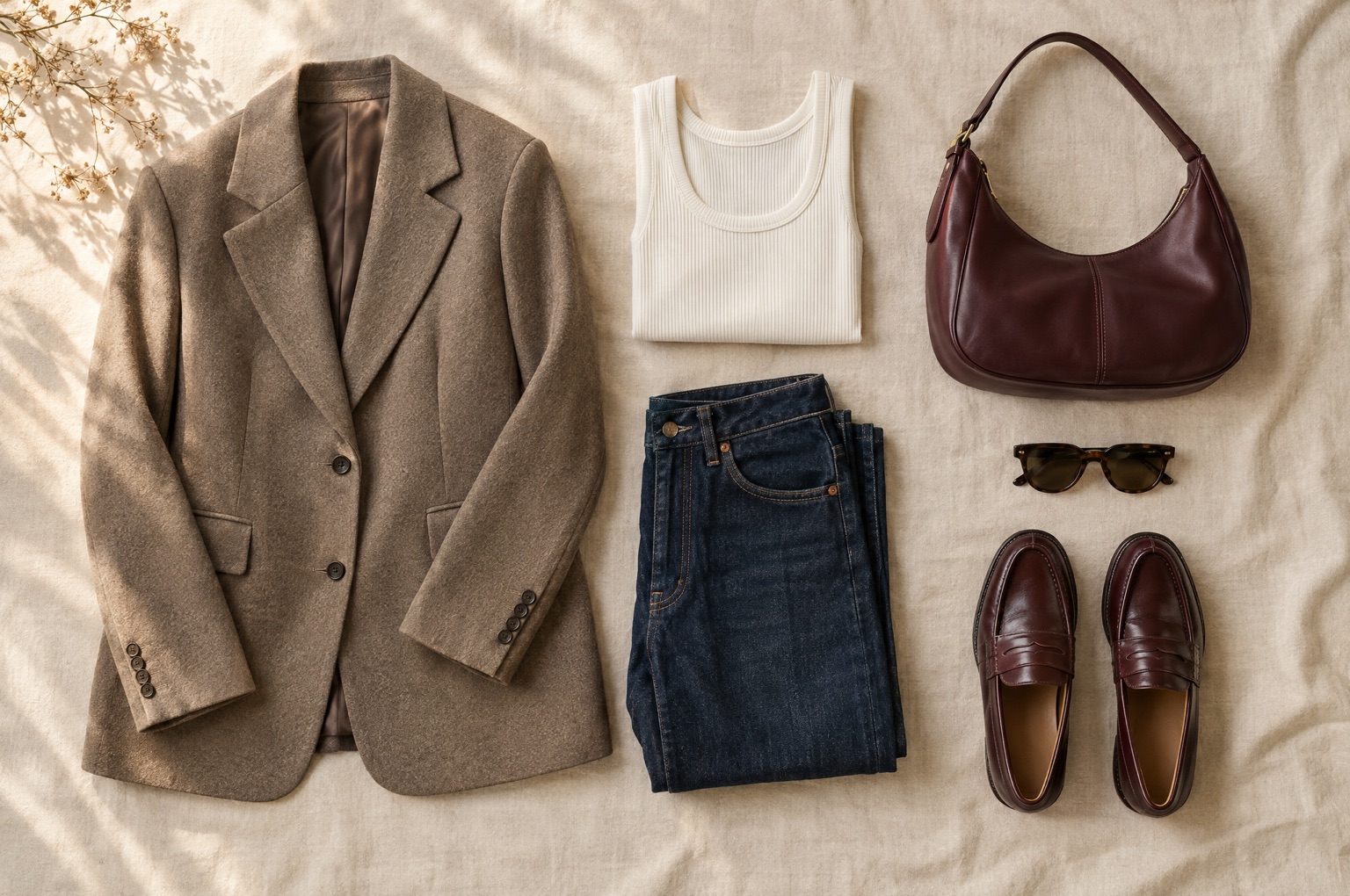
The website’s gallery examples show the app in English. They illustrate the clothing-inspiration and saved-look screens. The editorial image on this page is separate from the app interface.
FAQ
Questions about this feature
What is a digital wardrobe?
A digital wardrobe is a collection of clothing images you can return to on your phone. TryOnHaul lets you use those pieces when composing and previewing outfits.
Can I add clothes I already own?
Yes. You can photograph clothing or choose an image from your photo library to add it to your digital wardrobe.
Can I import a product from a shop?
TryOnHaul supports product-import options, including links from supported stores. Import availability depends on the product and store, so follow the options shown in the app.
Does adding an item buy it?
Adding a clothing image to your wardrobe is a way to organise and preview it. Check the retailer’s product information and purchase terms when you decide to buy.
Keep exploring
AI previews are visual inspiration. Check the retailer’s measurements, fabric details and size guide before buying.